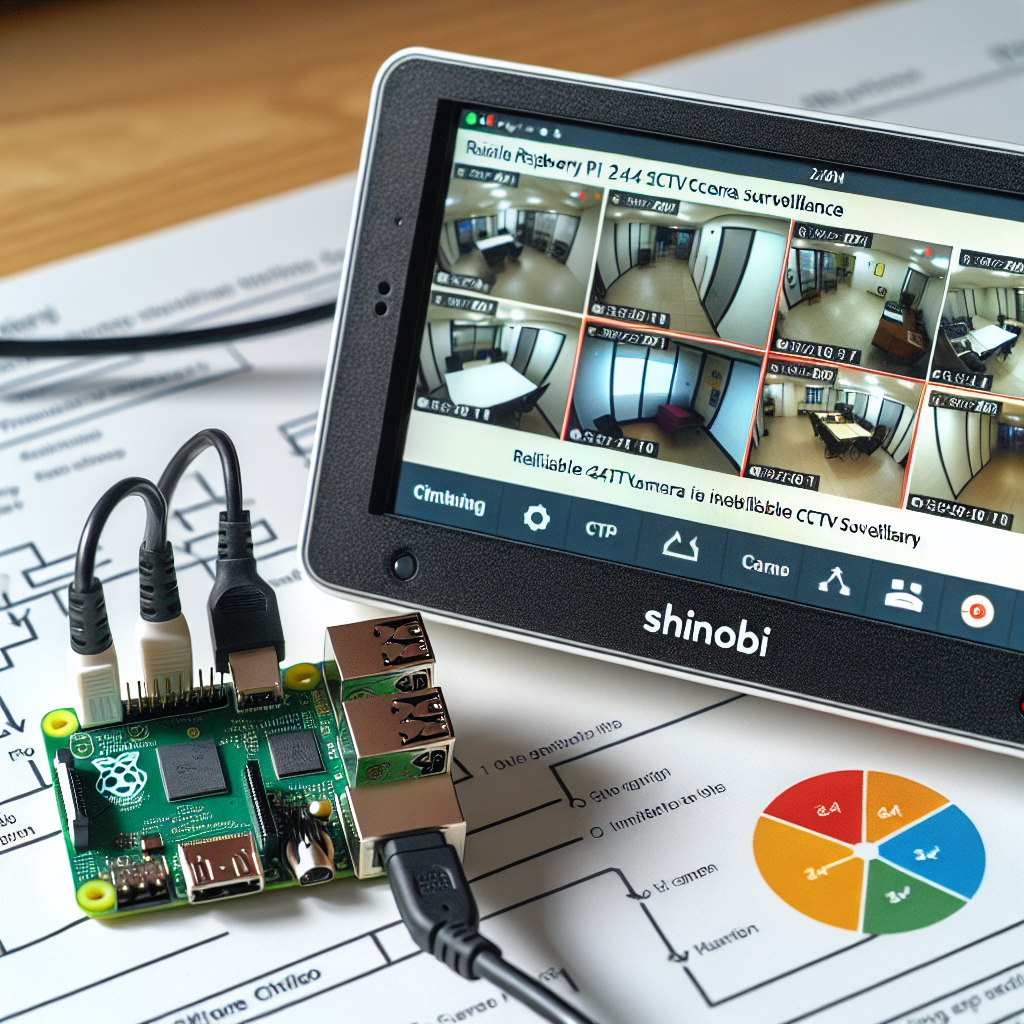
Guía rápida para configurar Raspberry Pi con Shinobi como CCTV 24/7 fiable en dispositivos con recursos limitados como Raspberry Pi 2. Aquí encontrarás pasos prácticos de hardware, red y rendimiento para montar una solución estable y sencilla.
Requisitos: Hardware Raspberry Pi con módulo de cámara CSI compatible OV5647, fuente de alimentación estable, tarjeta SD 32GB o mayor. Software: imagen fresca de Raspberry Pi OS, cliente SSH y acceso a la red local. Conocimientos básicos de configuración de router son útiles.
Paso 1. Configuración inicial del Pi: Flashea Raspberry Pi OS con Raspberry Pi Imager en modo Lite si prefieres headless. Habilita SSH en las opciones avanzadas o con sudo raspi-config. Al primer arranque conecta por SSH y actualiza con sudo apt update && sudo apt upgrade -y. Verifica la cámara con libcamera-hello -t 2000. Si falla revisa la conexión del cable plano CSI.
Paso 2. Instalación de Shinobi: Ejecuta el instalador oficial como root sh <( curl -s https://cdn.shinobi.video/installers/shinobi-install.sh ) y selecciona la opción Ubuntu Touchless para Raspberry Pi. Si el instalador pregunta por IPv6 elige deshabilitar para evitar problemas de conectividad.
Importante: corrección de enlace de red: Shinobi puede bindear solo a IPv6 por defecto y quedarse inaccesible desde otros equipos. Edita el archivo de configuración sudo nano /home/Shinobi/conf.json y añade el parámetro ip con la IP del Pi al inicio del JSON, por ejemplo ip : 192.168.20.15 y no uses host. Reinicia Shinobi con sudo pm2 restart camera y comprueba con sudo netstat -tlnp | grep :8080 que haya entradas tcp además de tcp6.
Acceso inicial: Abre en el navegador https://TU_IP:8080/super para acceder al panel superuser y crea la cuenta admin. Después entra en https://TU_IP:8080 con las credenciales creadas y cambia la contraseña de superuser en Preferencias por seguridad.
Paso 3. Pipeline de streaming fiable: Instala dependencias sudo apt-get install -y gstreamer1.0-tools gstreamer1.0-plugins-good gstreamer1.0-plugins-bad netcat-openbsd. Crea un script de streaming que genere MJPEG por HTTP y sea robusto ante caídas. Ejemplo optimizado para fiabilidad y baja carga CPU: gst-launch-1.0 -q libcamerasrc ! video/x-raw,width=320,height=240,framerate=10/1 ! jpegenc ! multipartmux boundary=--boundary ! filesink location=/dev/stdout y sirve con nc en el puerto 8090 en un bucle para reiniciar automáticamente. Coloca el script en /home/first/streamscript y hazlo ejecutable con chmod +x.
Paso 4. Servicio en segundo plano: Usa systemd de usuario para arranque automático y recuperación. Crea ~/.config/systemd/user/shinobi-stream.service con ExecStart apuntando al script y Restart=always. Ejecuta systemctl --user daemon-reload; systemctl --user enable shinobi-stream.service; systemctl --user start shinobi-stream.service y habilita linger para el usuario con sudo loginctl enable-linger first. Reinicia y verifica que el servicio arranca sin sesión iniciada.
Paso 5. Configurar el monitor en Shinobi: Añade un nuevo monitor en el dashboard. Tipo de entrada MJPEG y URL completa https://127.0.0.1:8090. Ajusta frame rate a 10 y resolución 320x240 para empezar. Guarda y prueba; deberías ver vídeo en vivo.
Paso 6. Ajustes de rendimiento: En Pi antiguos la codificación es por software, por eso conviene reducir resolución y fps para bajar uso de CPU. Para menor consumo usa width=160 height=120 framerate=5 y jpegenc quality=50. Para mejor calidad incrementa pero vigila el htop para no saturar la CPU. Evita ejecutar múltiples streams con alta resolución simultáneamente.
Resolución de problemas comunes: Si no accesible desde otros equipos revisa si Shinobi escucha solo en IPv6 con sudo netstat -tlnp | grep :8080 y asegúrate de tener el parámetro ip en /home/Shinobi/conf.json. Si el stream no arranca comprueba el estado del servicio systemctl --user status shinobi-stream.service y sigue los logs con journalctl --user -u shinobi-stream.service -f. Para cámara prueba libcamera-hello -t 2000.
Seguridad: Cambia credenciales por defecto de Shinobi y del Pi. No expongas el puerto 8080 directamente a Internet y usa contraseñas fuertes. Considera reglas de firewall para restringir acceso por rangos IP y mantén el sistema actualizado con sudo apt update && sudo apt upgrade -y.
Sobre Q2BSTUDIO: En Q2BSTUDIO somos una empresa de desarrollo de software y aplicaciones a medida especializada en soluciones integrales que van desde software a medida y aplicaciones a medida hasta inteligencia artificial aplicada a empresas, agentes IA y servicios de ciberseguridad. Ofrecemos también servicios cloud aws y azure y soluciones de inteligencia de negocio y power bi. Si te interesa desarrollar una app complementaria para gestionar video vigilancia o integrar analítica basada en IA visita nuestra página de desarrollo de aplicaciones desarrollo de aplicaciones y software multiplataforma y descubre cómo podemos aplicar inteligencia artificial a tus procesos en soluciones de inteligencia artificial para empresas.
Palabras clave: aplicaciones a medida, software a medida, inteligencia artificial, ciberseguridad, servicios cloud aws y azure, servicios inteligencia de negocio, ia para empresas, agentes IA, power bi.
Notas finales: Esta configuración prioriza estabilidad 24/7 en hardware antiguo mediante codificación por software, corrección del binding IPv4 y sistema de servicios que garantizan recuperación automática. Cuando tengas una base estable puedes escalar a mayor resolución, múltiples cámaras o integrar analítica avanzada con nuestras soluciones profesionales en Q2BSTUDIO.