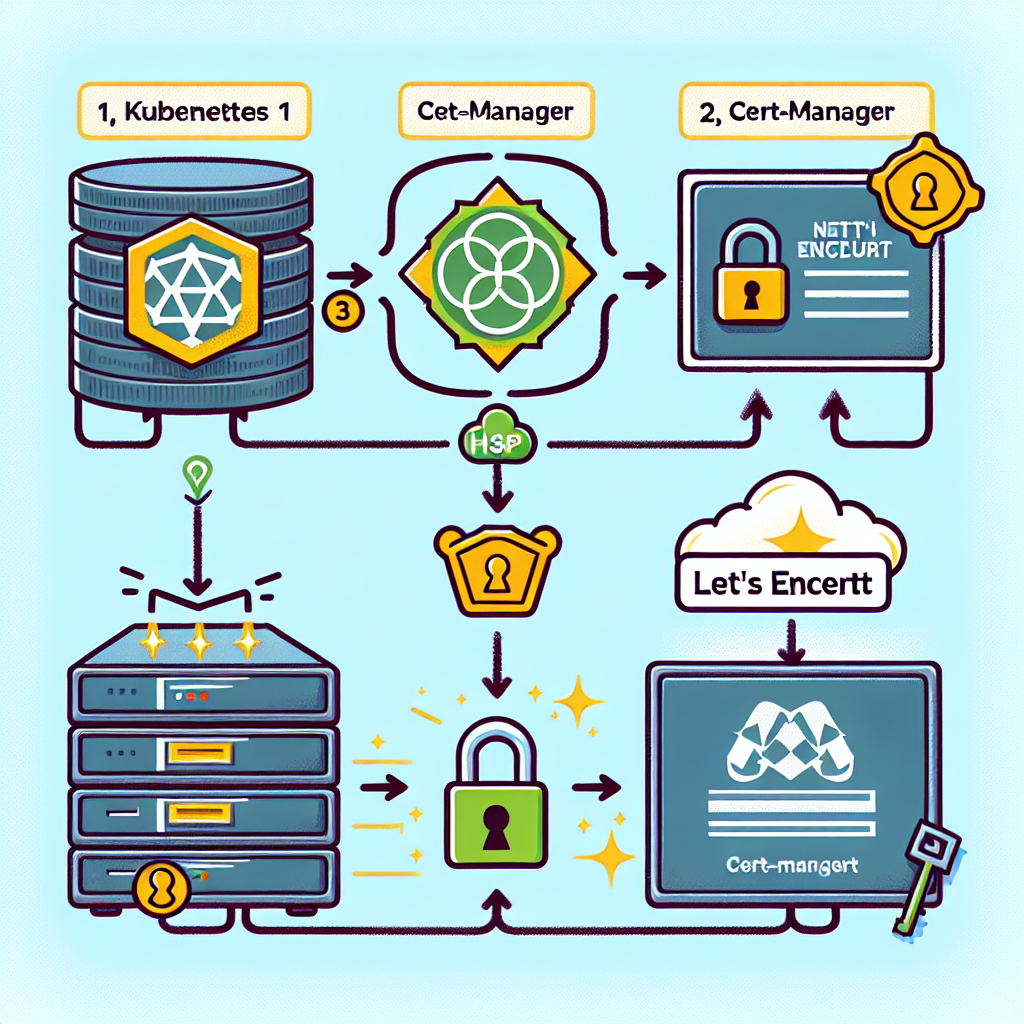
En el panorama digital actual asegurar tus aplicaciones web con HTTPS es imprescindible para proteger la privacidad de los datos, generar confianza y cumplir con estándares modernos de seguridad. En Q2BSTUDIO, empresa de desarrollo de software y aplicaciones a medida especializada en inteligencia artificial, ciberseguridad y servicios cloud, te explicamos cómo habilitar HTTPS en un cluster Kubernetes usando cert-manager y certificados de Let's Encrypt para automatizar la gestión del SSL.
Resumen de lo que vamos a crear y objetivos: un cluster Kubernetes con un controlador nginx ingress, un dominio apuntando a la IP externa del cluster y un ingress configurado para HTTPS con emisión y renovación automática de certificados por cert-manager y Let's Encrypt. Palabras clave incluidas para mejorar el posicionamiento: aplicaciones a medida, software a medida, inteligencia artificial, ciberseguridad, servicios cloud aws y azure, servicios inteligencia de negocio, ia para empresas, agentes IA, power bi.
Estado inicial esperado: Cluster con nginx ingress desplegado; dominio ejemplo platform-dev.example.ai apuntando a la IP externa 34.75.54.5; existe un ingress con sección TLS pero el certificado no funciona. Objetivo final: HTTPS operativo y certificados renovándose automáticamente con cert-manager y Let's Encrypt.
Requisitos previos: acceso kubectl configurado al cluster; nombre de dominio registrado y apuntando a la IP pública del cluster; nginx ingress controller instalado.
Paso 1 Verificar instalación de cert-manager Ejecuta kubectl get pods -n cert-manager para comprobar si existen los pods cert-manager, cert-manager-cainjector y cert-manager-webhook. Si no están instalados despliega la versión estable actual con kubectl apply -f https://github.com/cert-manager/cert-manager/releases/download/v1.13.0/cert-manager.yaml y vuelve a comprobar kubectl get pods -n cert-manager hasta que los pods estén en estado Running.
Paso 2 Crear un ClusterIssuer para Let's Encrypt Un ClusterIssuer define cómo cert-manager obtiene certificados. Verifica si existe con kubectl get clusterissuer letsencrypt-prod. Asegúrate de usar la URL correcta del servidor ACME de producción de Let's Encrypt que es https://acme-v02.api.letsencrypt.org/directory y no una variante incorrecta. Crea un archivo clusterissuer.yaml con el siguiente contenido adaptando tu correo de contacto y aplica con kubectl apply -f clusterissuer.yaml YAML de ejemplo Indentación importante apiVersion cert-manager.io/v1 kind ClusterIssuer metadata name letsencrypt-prod spec acme server https://acme-v02.api.letsencrypt.org/directory email tu-email@empresa.com privateKeySecretRef name letsencrypt-prod solvers - http01 ingress class nginx Después de aplicarlo verifica kubectl get clusterissuer letsencrypt-prod y confirma que la columna READY aparezca como True.
Paso 3 Configurar el Ingress para HTTPS El ingress debe incluir la anotación de cert-manager y una sección tls que apunte al secret donde se almacenará el certificado. Ejemplo de comportamiento esperado: el host platform-dev.example.ai enruta / al servicio platform-ui en el puerto 80 y /api al servicio platform-api en el puerto 80. Añade la anotación cert-manager.io/cluster-issuer con valor letsencrypt-prod y en tls especifica host platform-dev.example.ai y secretName example-tls. Asegúrate de crear el ingress en el namespace correcto, por ejemplo platform-namespace. Esta configuración hará que cert-manager inicie la solicitud del certificado y guarde el resultado en el secret example-tls.
Paso 4 Verificar la creación del certificado Monitoriza el proceso con kubectl get certificate -n platform-namespace y kubectl describe certificate example-tls -n platform-namespace. Para solicitudes ACME en curso consulta kubectl get certificaterequest -n platform-namespace. Un certificado exitoso aparecerá con READY True y el secret example-tls presente.
Paso 5 Resolución de problemas habituales 1 ClusterIssuer no listo Ejecuta kubectl describe clusterissuer letsencrypt-prod y revisa eventos y mensajes de error; la causa más frecuente es una URL ACME incorrecta. 2 Certificado en estado pending Revisa kubectl describe certificate example-tls -n platform-namespace y los logs de cert-manager con kubectl logs -n cert-manager deployment/cert-manager buscando errores relacionados con el reto HTTP 01. 3 Problemas DNS Verifica que el dominio resuelva a la IP del cluster desde dentro del cluster con kubectl run test-dns --rm -it --restart=Never --image=busybox -- nslookup platform-dev.example.ai y comprueba conectividad al servidor ACME con kubectl run test-connectivity --rm -it --restart=Never --image=curlimages/curl -- curl -I https://acme-v02.api.letsencrypt.org/directory.
Paso 6 Probar que HTTPS funciona Una vez emitido el certificado prueba con curl -I https://platform-dev.example.ai y examina los detalles del certificado con openssl s_client -connect platform-dev.example.ai:443 -servername platform-dev.example.ai. Indicadores de éxito incluyen ClusterIssuer listo, certificado READY True, secret con datos de certificado y acceso al sitio vía HTTPS.
Buenas prácticas de seguridad Usa un correo monitorizado en el ClusterIssuer para recibir notificaciones de Let's Encrypt. Evita modificar manualmente los secrets gestionados por cert-manager. Añade redirect de HTTP a HTTPS en el ingress usando la anotación nginx.ingress.kubernetes.io/ssl-redirect con valor true para forzar conexiones seguras. Implementa políticas de RBAC mínimas necesarias para cert-manager y audita accesos regularmente en el contexto de ciberseguridad.
Resumen final Para un despliegue exitoso asegúrate de que cert-manager está instalado y en ejecución, que el ClusterIssuer utiliza la URL correcta de ACME, que el ingress incluye la anotación de cert-manager y la sección TLS, y que el DNS apunta a la IP del cluster. Con cert-manager gestionando emisión y renovación, puedes centrarte en el desarrollo de tus soluciones de software a medida y aplicaciones a medida.
Sobre Q2BSTUDIO Q2BSTUDIO es una empresa de desarrollo de software y aplicaciones a medida especializada en inteligencia artificial, ciberseguridad, servicios cloud y soluciones de inteligencia de negocio. Ofrecemos desde desarrollo de aplicaciones y plataformas hasta integración en la nube y proyectos de IA para empresas. Con experiencia en agentes IA, modelos de IA para negocios y soluciones Power BI, ayudamos a transformar ideas en productos seguros y escalables. Si necesitas crear una aplicación personalizada visita Desarrollo de aplicaciones a medida y si buscas migrar o desplegar en la nube descubre nuestros Servicios cloud AWS y Azure.
Comandos de referencia rápido kubectl get pods -n cert-manager kubectl apply -f https://github.com/cert-manager/cert-manager/releases/download/v1.13.0/cert-manager.yaml kubectl get clusterissuer letsencrypt-prod kubectl apply -f clusterissuer.yaml kubectl get certificate -n platform-namespace kubectl describe certificate example-tls -n platform-namespace kubectl get certificaterequest -n platform-namespace kubectl describe clusterissuer letsencrypt-prod kubectl logs -n cert-manager deployment/cert-manager kubectl get ingress -A curl -I https://platform-dev.example.ai openssl s_client -connect platform-dev.example.ai:443 -servername platform-dev.example.ai
Si necesitas ayuda en la implementación o quieres que nuestro equipo gestione el despliegue y la seguridad de tus aplicaciones y servicios cloud, contacta con Q2BSTUDIO y te acompañamos desde el diseño hasta la producción y el mantenimiento.