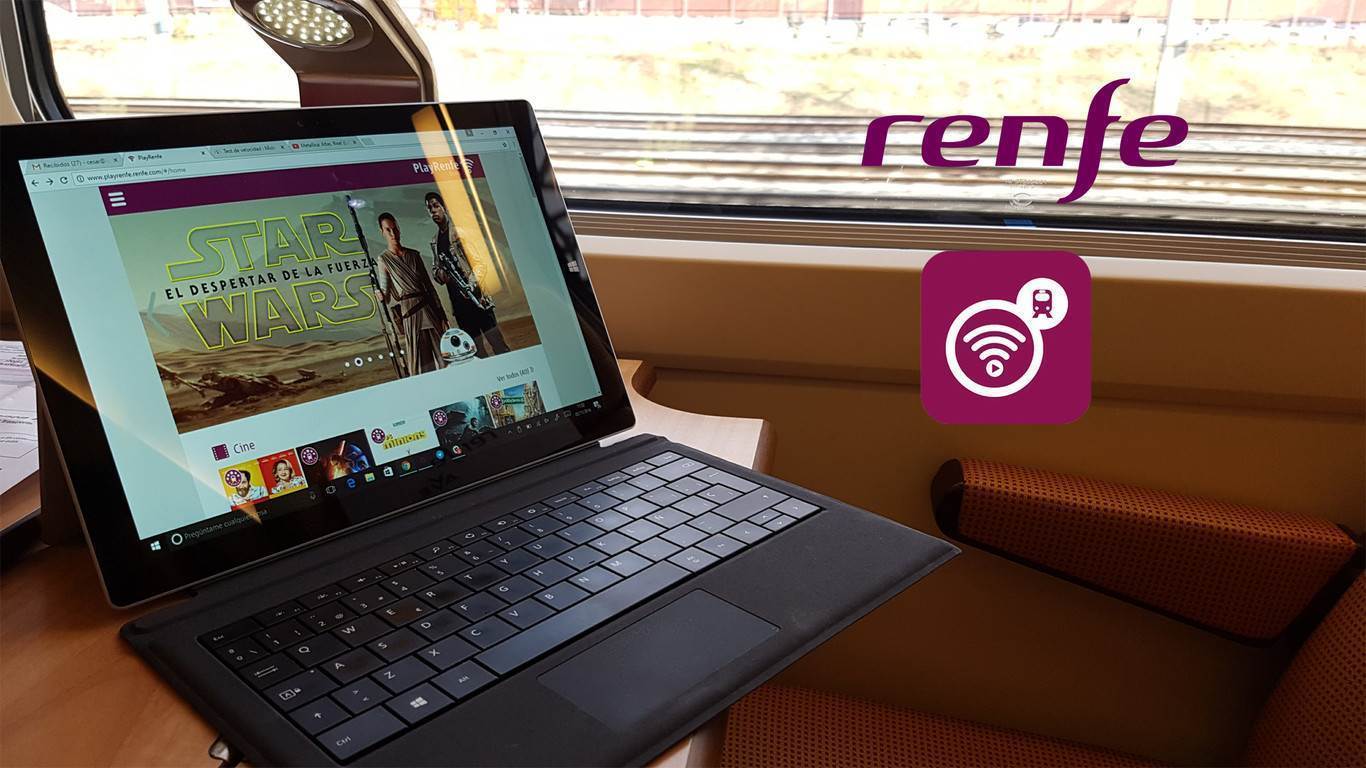
Renfe's WiFi is only available on AVE trains (and only AVE trains, not Avant or Alvia), which have been modified to include several antennas that provide the onboard internet connection.
If you are connecting from a smartphone, you will first need to download the app (for Android or iOS). After installing the app, these are the first steps if connecting from a smartphone:
Once inside PlayRenfe, it is important to note that all content available on the platform does not consume data. That is, if you watch a movie, a series, or buy a ticket through PlayRenfe, you will not consume data.
This is important because there is a data rate limit of 20 MB (Basic package) or 100 MB (Premium package) that we can send or receive.
Bad news if you were planning to watch Netflix or YouTube on board, because at best you can only consume 100 MB of content.
If you want to connect with a tablet or PC, you will need to download an extension for the browser you are using, as well as the proprietary player that Renfe uses for content. iPads do use their own app (the same PlayRenfe for iOS), so the experience is very similar to that of an iPhone.
Will you contract PlayRenfe or share your mobile's WiFi? It makes you think...