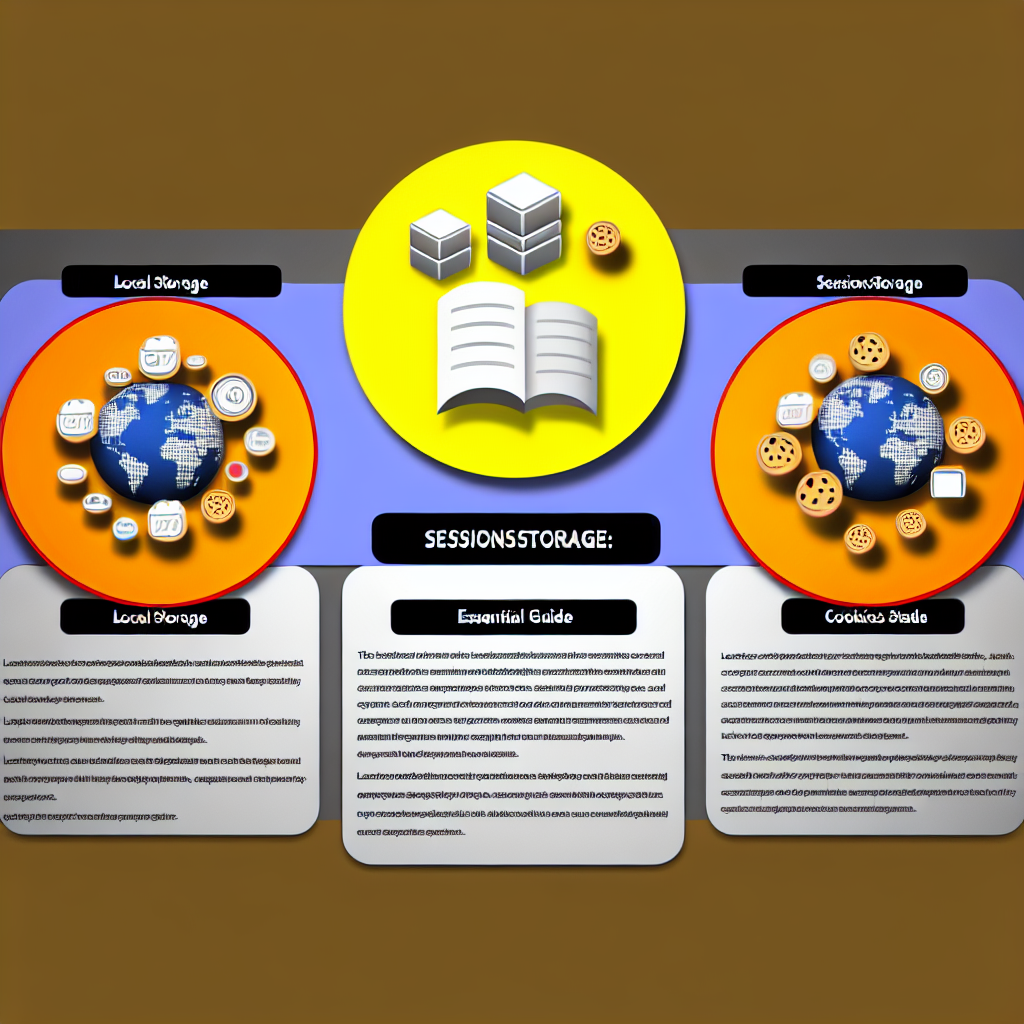
When we talk about data storage in the browser, the first thing that usually comes to mind are three key alternatives: localStorage, sessionStorage and cookies, each with its own characteristics, advantages and limitations that are worth understanding to make the right decisions when developing custom applications or custom software.
localStorage is a persistent storage space associated with the page's origin. Data persists even if the user closes the browser and reopens the page. It is ideal for storing interface settings, caches of non-critical data, and states that must survive session closures or browser restarts. It has good capacity for relatively large data. It is not designed to contain sensitive secrets because any script on the same origin can read it.
sessionStorage works similarly to localStorage, but its scope is limited to the tab or browsing context. Data is kept only while the tab is open and is deleted when it is closed. It is useful for temporary tokens, workflow data, or information that should not persist between user sessions. It is perfect when tab isolation is needed and no server communication is required between sessions.
cookies are small pieces of data that the browser stores and that can be automatically sent to the server with each HTTP request according to domain and path configuration. By design, their size is limited, and they are commonly used for session tracking, lightweight preferences, and storing server-managed identifiers. Cookies can be configured with security flags such as HttpOnly and Secure to protect content from JavaScript access or to require a secure HTTPS connection. They are the right option when the server needs to receive the data with each request, but they are not suitable for large volumes or for unencrypted secrets on the client.
Quick comparison: durability — localStorage persistent across sessions, sessionStorage temporary per tab, cookies with configurable expiration and sent to the server. Capacity — localStorage and sessionStorage allow storing more data than cookies. Security — cookies can be protected with HttpOnly and Secure, while localStorage and sessionStorage remain accessible to JavaScript on the same origin. Recommended use case — persistent settings and caches in localStorage, ephemeral per-tab session information in sessionStorage, and data that must accompany requests to the server in cookies.
Best practices: do not store passwords or sensitive tokens in localStorage or sessionStorage without additional measures; use secure cookies with HttpOnly and Secure for authentication tokens when the server needs to receive the token; apply encryption or signing on client and server; validate and clean up expired data; and minimize the information stored on the client to reduce the attack surface.
At Q2BSTUDIO, as a custom software and application development company, we help clients design client-server storage architecture with security, performance, and user experience in mind. We are specialists in artificial intelligence, cybersecurity, and AWS and Azure cloud services, so in addition to choosing the right browser storage, we integrate business intelligence services and AI implementation for companies to extract value from data. We also develop AI agents that automate tasks and create Power BI dashboards to facilitate decision-making.
If your project needs custom software with a focus on security and scalability, at Q2BSTUDIO we offer architecture audits, selection of the most appropriate storage mechanisms, integration with AWS and Azure cloud services, deployment of artificial intelligence models, and business intelligence solutions. All with cybersecurity practices to protect data in transit and at rest.
Conclusion: choosing between localStorage, sessionStorage, and cookies depends on the data's lifespan, the size of the information, and whether the server must receive that data with each request. The right choice improves performance, security, and user experience. If you need advice on implementation or on designing a solution that combines custom applications, artificial intelligence, cybersecurity, AWS and Azure cloud services, business intelligence services, AI agents, or Power BI, Q2BSTUDIO can help you.
Thank you for reading this article, and remember that a good client-side storage architecture is an essential part of any custom software project.